Solana staking management
Stake, unstake and withdraw on Solana, right from the Staking tab.
 0xWailing
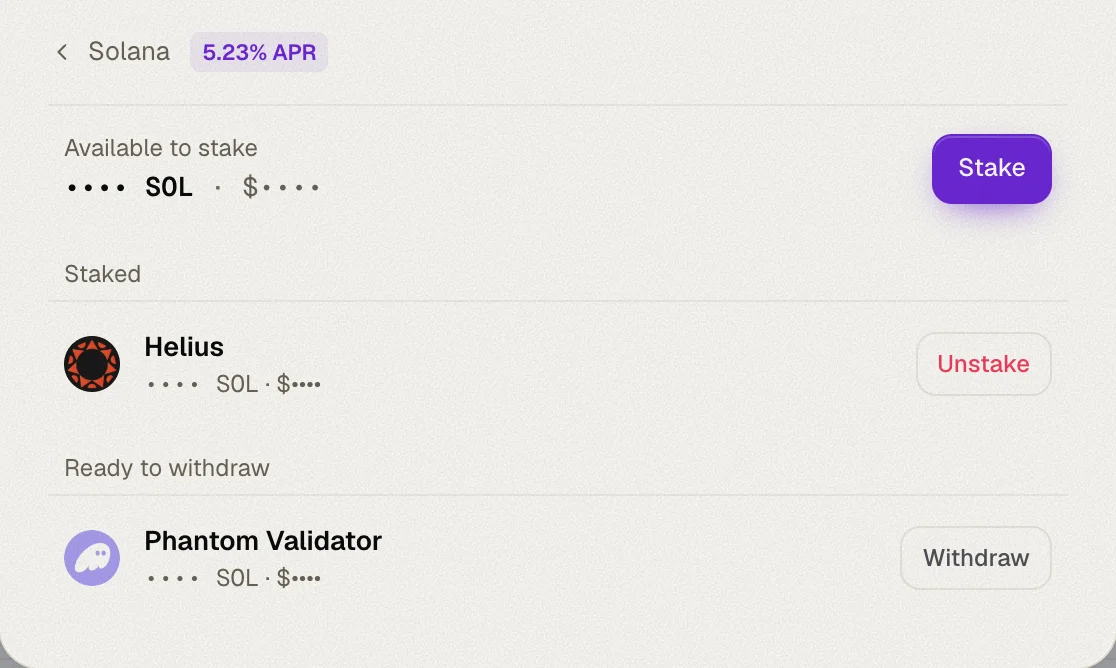
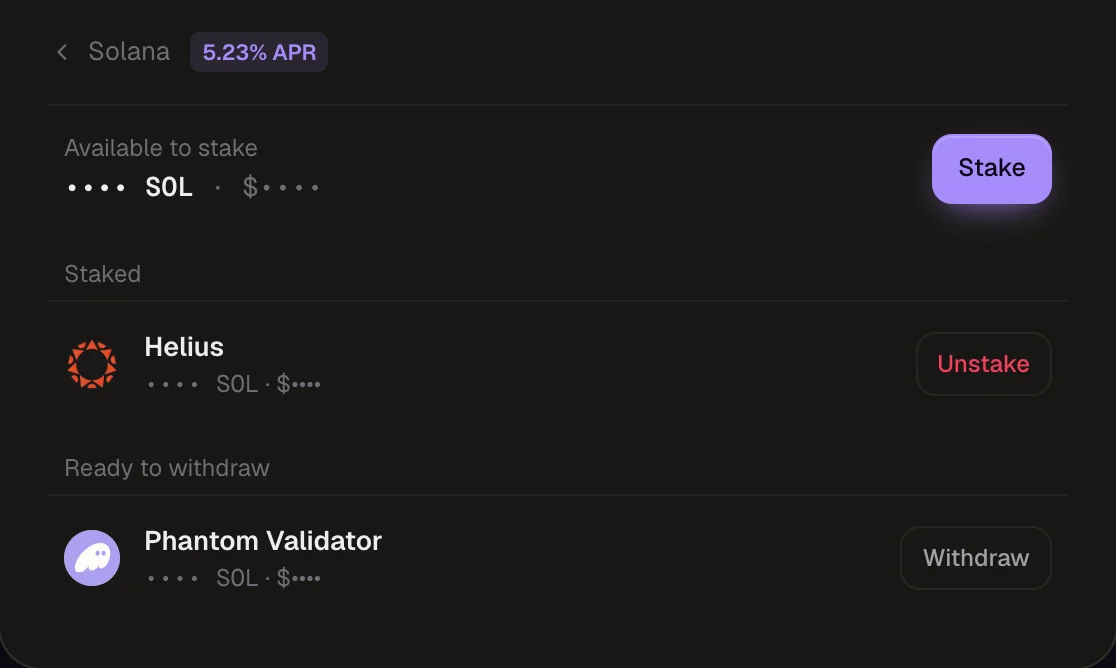
The Manage stake dialog now works on Solana too. Stake SOL to a validator, unstake it, and withdraw it back to your wallet — the whole life of a stake account, without leaving Whaleboard.
Stake SOL
Pick a validator
Validators are listed with their commission and their measured APY, which is already net of commission. Delinquent validators are left out.
Enter an amount
The form shows the small reserve every stake account must hold (refunded when you withdraw) and an estimated yearly reward. MAX keeps a little SOL back for fees.
Sign
Your new stake shows a live in ~Nd tag until it activates at the next epoch.
Unstake
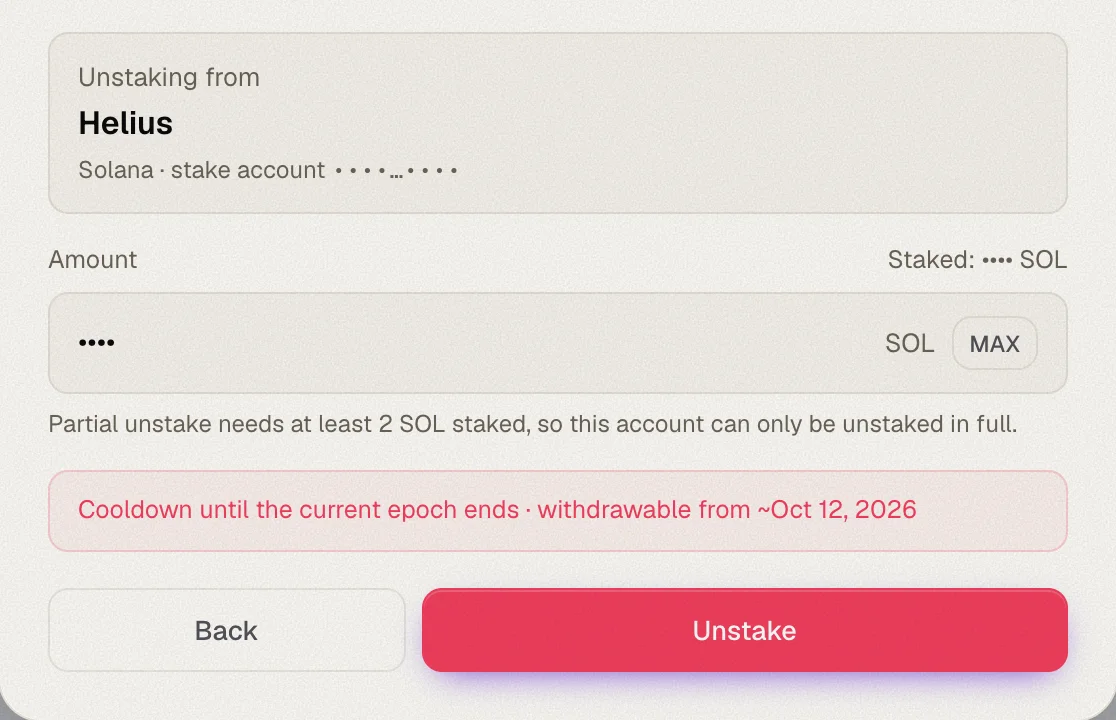
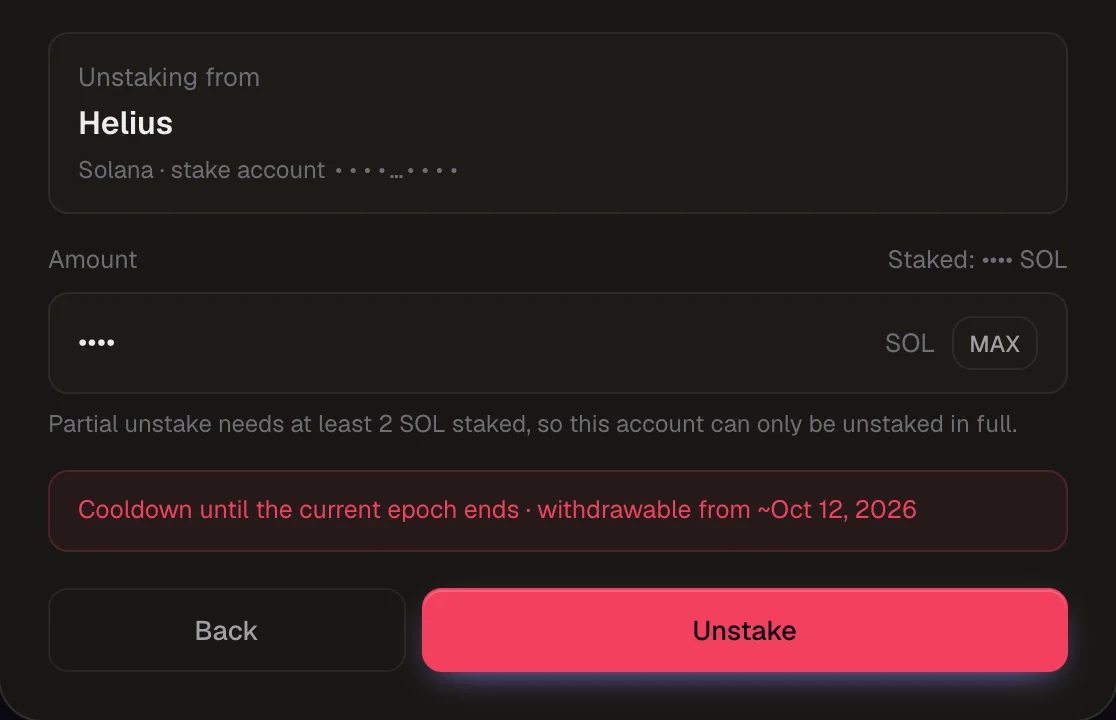
Unstake a whole stake account, or just part of it: a partial unstake splits the amount into a new account that's deactivated, while the rest keeps earning. Unstaking completes at the end of the current epoch, about two days.
Withdraw
Once unstaking completes, the account shows Ready to withdraw, in the dialog and in the Unbonding card. Withdraw moves the full balance, reserve included, back to your wallet and closes the account.
No rewards to claim on Solana
Solana staking rewards are added to your stake account automatically every epoch, so there's nothing to claim — they're already part of your stake.
Also new
- Useful links at the bottom of the Settings panel — Docs, Feedback, Website and GitHub — along with the app version.
- A refresh button on the Overview and Staking tabs to reload your data on demand.
- Fixes to the staking layout on mobile.