Watch any address, APRs and 24h price changes
View a portfolio without a wallet, and see how your assets moved today.
 0xWailing
A big one: you no longer need a wallet to use Whaleboard, staking chains show what they pay, every price shows how it moved today, and the whole app has been reworked for tablets and phones.
Watch any address
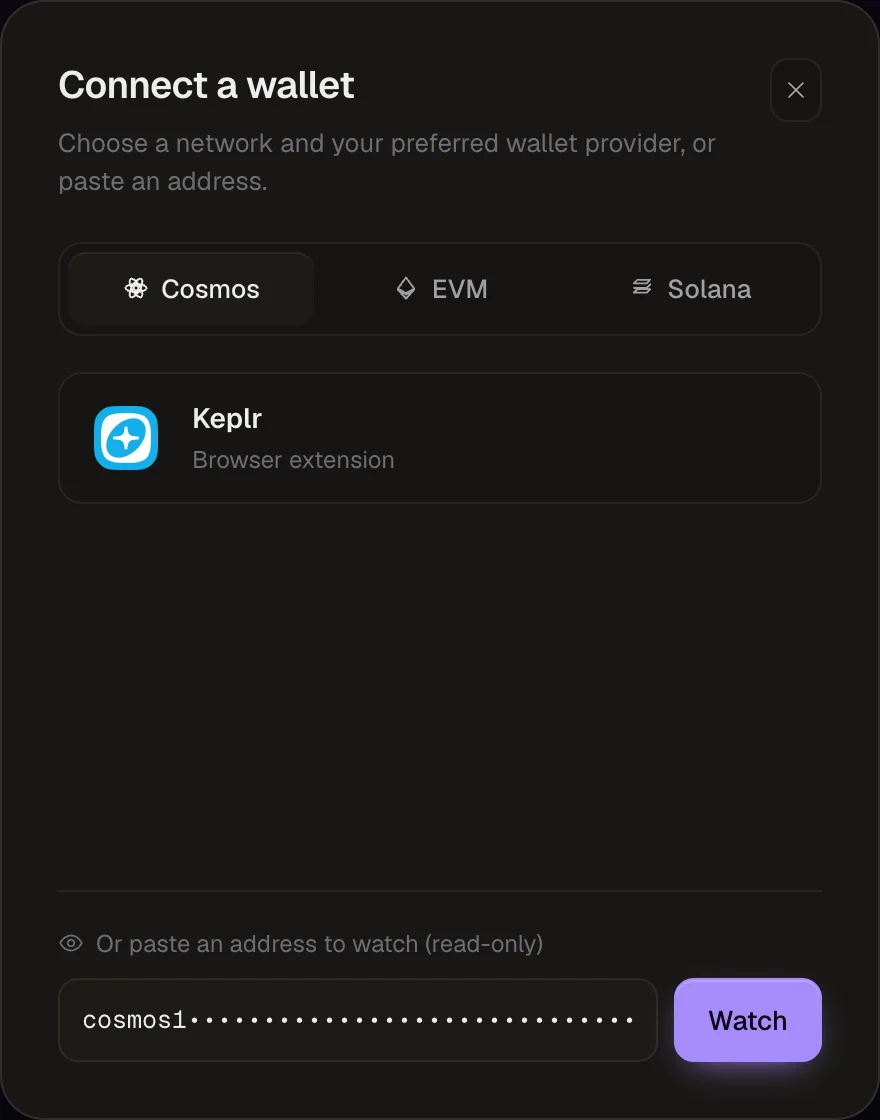
Paste an address instead of connecting a wallet. Pick Cosmos, EVM or Solana in the connect dialog, paste the address in the field at the bottom and click Watch.
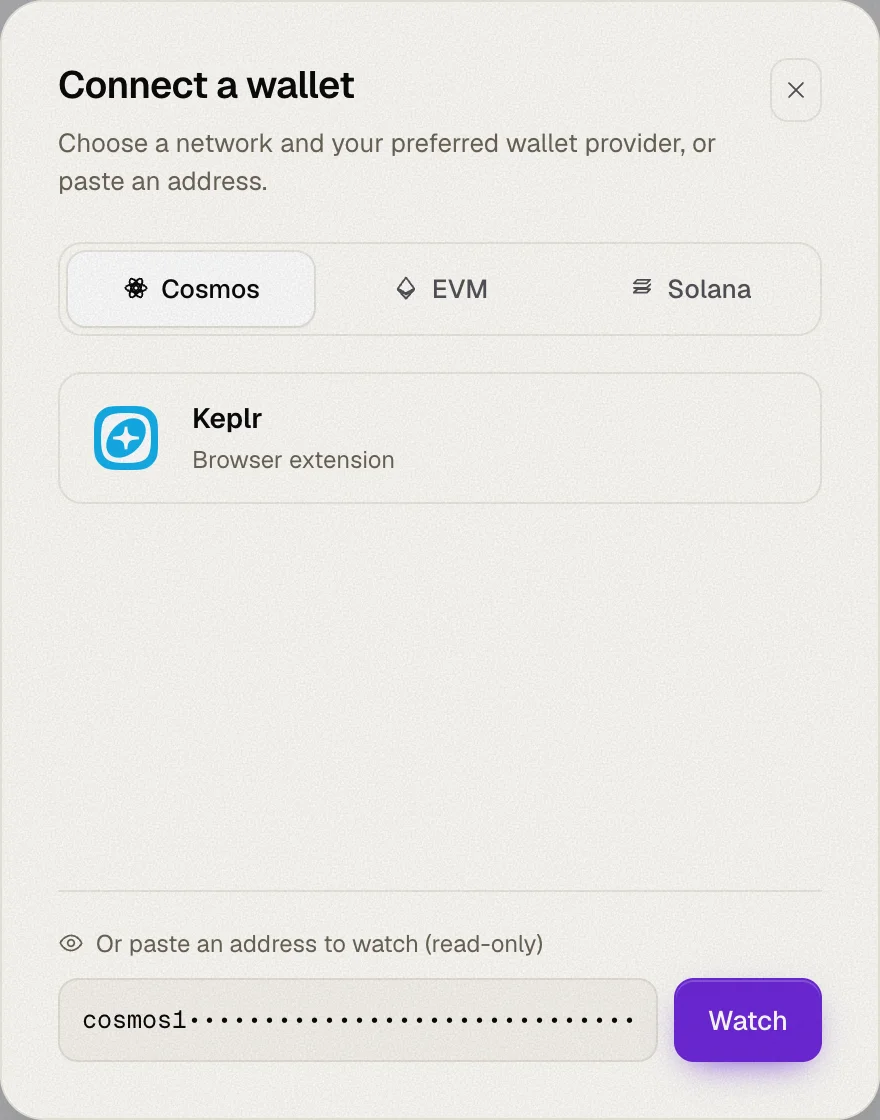
- Any Cosmos prefix works —
cosmos1…,osmo1…,celestia1…— Whaleboard converts it to every supported Cosmos chain, just like a connected wallet. - One per ecosystem — watching an address replaces the connected wallet for that ecosystem, and connecting a wallet clears the watched address.
- Read-only by design — transaction actions are hidden for watched addresses.
Handy for checking a cold wallet, a treasury, or a friend's portfolio.
Staking APR
Each staking chain now shows its network-wide staking APR. Whaleboard computes it from each chain's own inflation and bonded stake, with special handling where a chain works differently — Stride's hourly epochs, or dYdX, whose stakers are paid in trading fees and have no APR to show.
When you stake, the amount step uses that APR minus your validator's commission, so you see what you'd actually earn.
24h price change
Every token now shows its price change over the last 24 hours, on both the Overview and Staking tabs.
Built for tablet and phone
The layout has been reworked for smaller screens. On phones, the tabs move to a floating bar at the bottom, within thumb reach, and the top bar has been tightened up.
Fixes
- More accurate validator data on Cosmos chains.
- More reliable Solana connections.