Solana support
Connect a Solana wallet and see SOL and SPL tokens next to the rest of your portfolio.
 0xWailing
Whaleboard now covers a third ecosystem. Connect a Solana wallet and your SOL and SPL tokens appear in the same Overview as your Cosmos and EVM assets, in the same totals and the same charts.
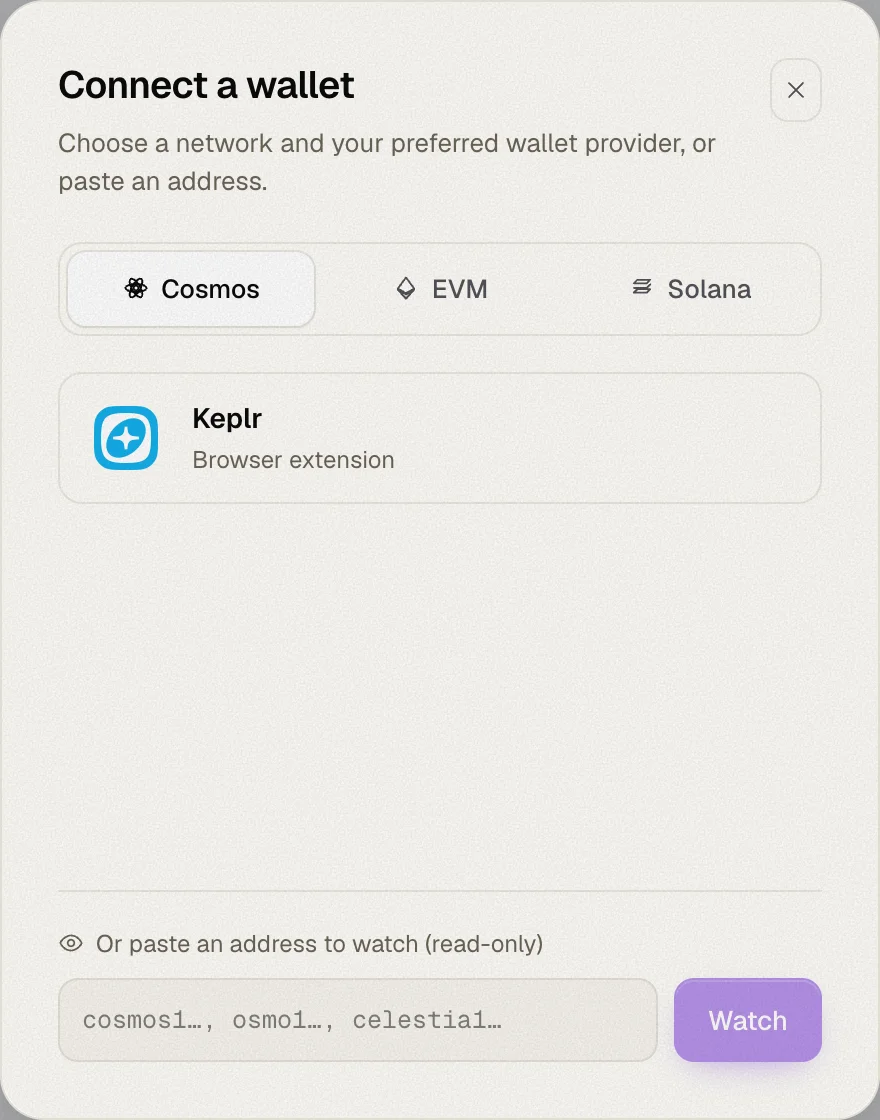
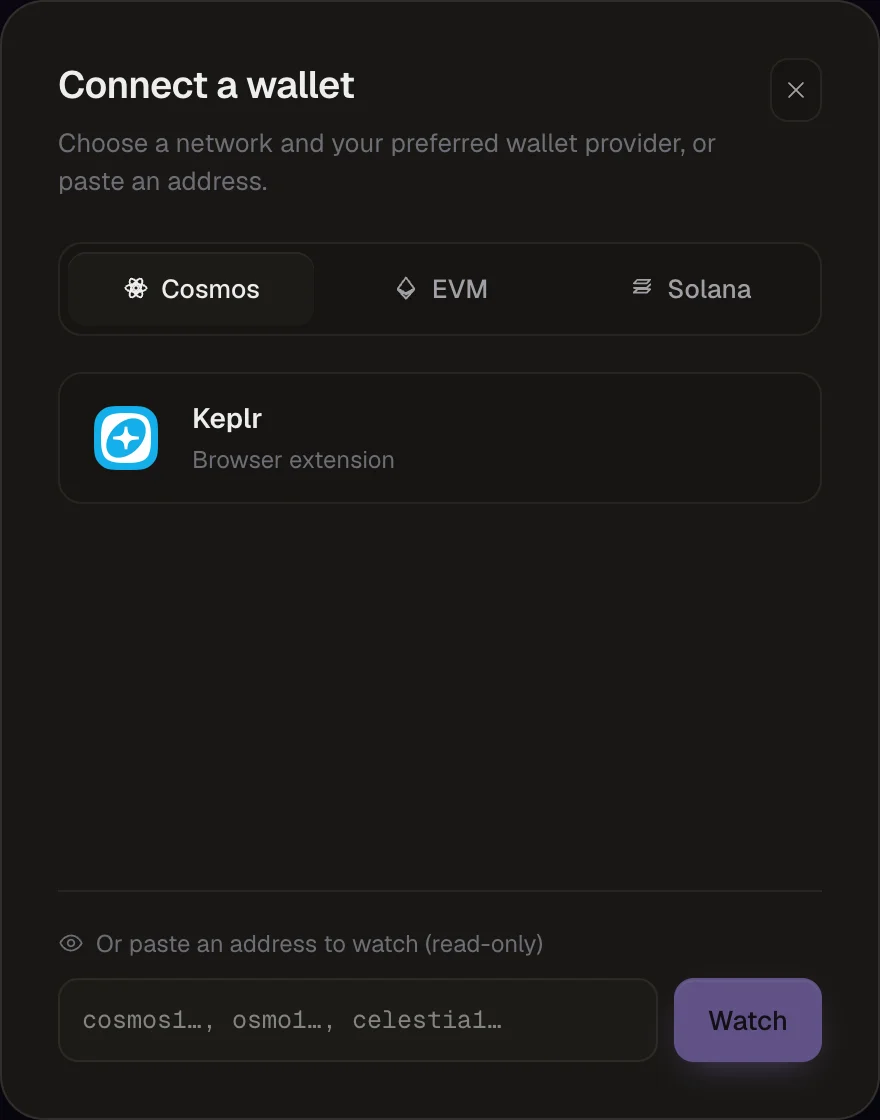
Connect a Solana wallet
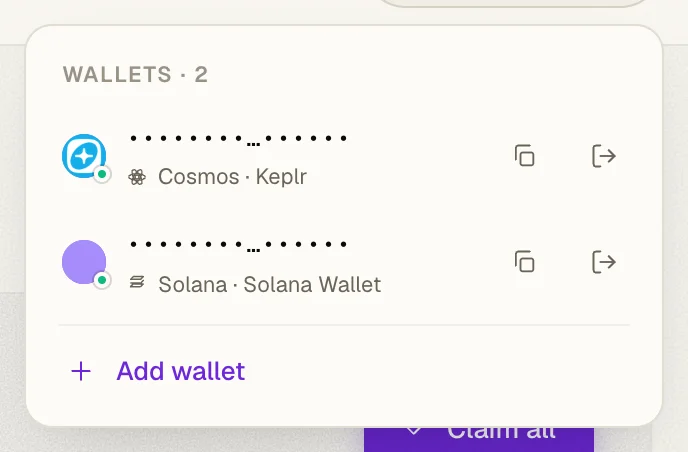
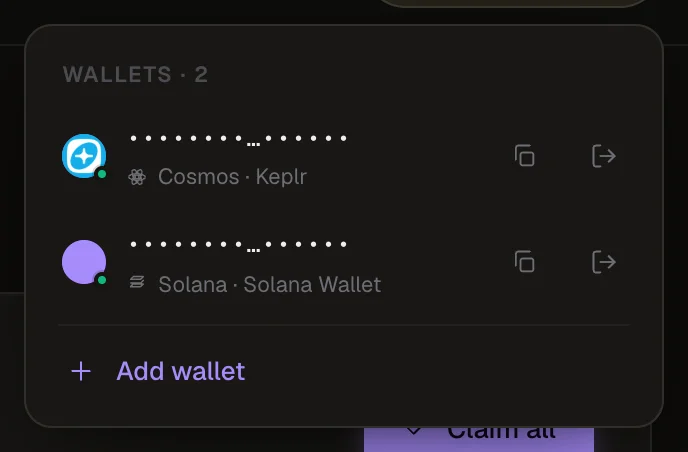
The connect dialog gets a Solana tab with Phantom, Backpack and Solflare. Once connected, Solana gets its own pill in the top bar, next to your Cosmos and EVM wallets.
SOL and SPL tokens
Your SOL balance and SPL tokens are added to the Overview. Token names and logos come from Jupiter's token list, and prices from CoinGecko, like every other asset in Whaleboard.
Solana in Manage chains
Manage chains has a new Solana section, so you can include or exclude it from your portfolio like any other network.
What about staked SOL?
This release covers wallet balances. Native SOL staking is coming next.
Also new
- A refreshed wallet dialog, with smoother Cosmos wallet connections.