Read-only mode and three new EVM chains
Hide every transaction button, and track Polygon, BNB Chain and Robinhood Chain.
 0xWailing
Right after stake management, two additions: a way to switch every transaction action off, and three more EVM networks.
Read-only mode
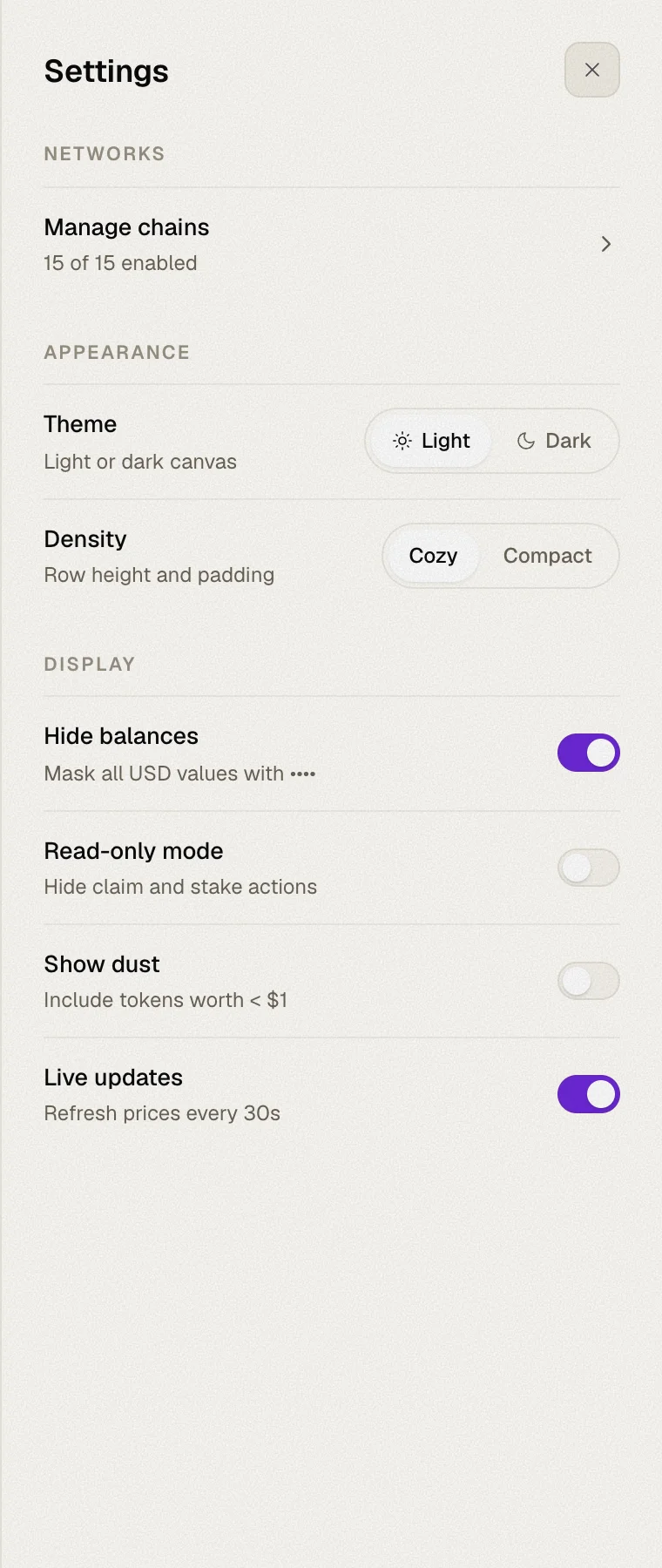
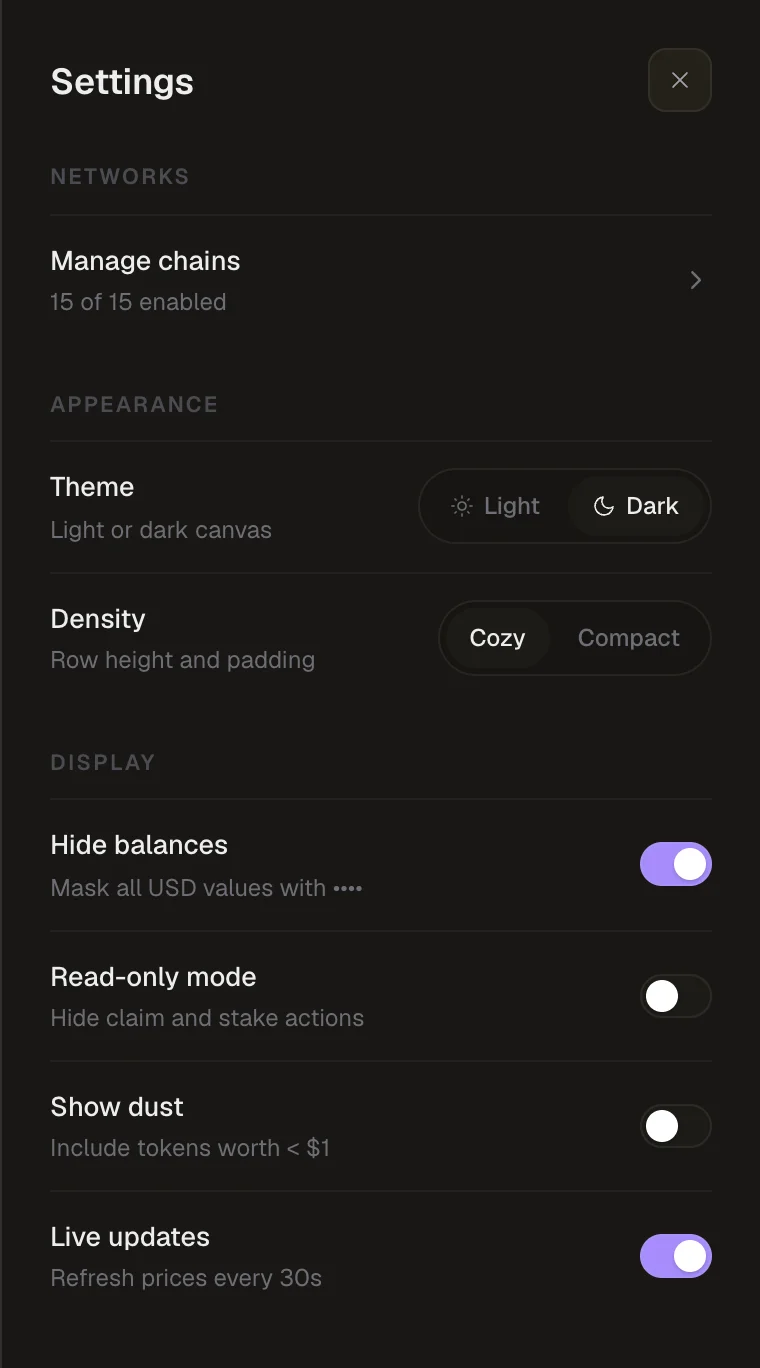
Some days you only want to look. Read-only mode turns Whaleboard into a pure portfolio viewer: Claim, Claim all, Manage stake and every other button that would ask your wallet to sign is hidden — and blocked behind the scenes too, so nothing can slip through.
Turn it on from Settings. It's handy on a shared screen, during a demo, or simply for peace of mind.
Polygon, BNB Chain and Robinhood Chain
Three new networks join Ethereum, Arbitrum, Base and Unichain:
| Network | Native token |
|---|---|
| Polygon | POL |
| BNB Chain | BNB |
| Robinhood Chain | ETH |
Each comes with its native balance and logo, plus well-known ERC-20 tokens from an updated token list. Turn them on in Manage chains.
Also new
- Your wallet's icon now shows in the connected-wallet pill in the top bar, instead of a generic avatar.
- A new favicon.
- Saved settings from older versions are now migrated cleanly instead of showing a console warning.