Manage your Cosmos stake
Stake, redelegate and unstake on Cosmos chains without leaving Whaleboard.
 0xWailing
Until now, Whaleboard showed your stake. Now it lets you change it. The new Manage stake dialog brings staking, redelegating and unstaking on every supported Cosmos chain into the same place where you track your positions — and every action is still signed in your own wallet.
Chain first, then validator
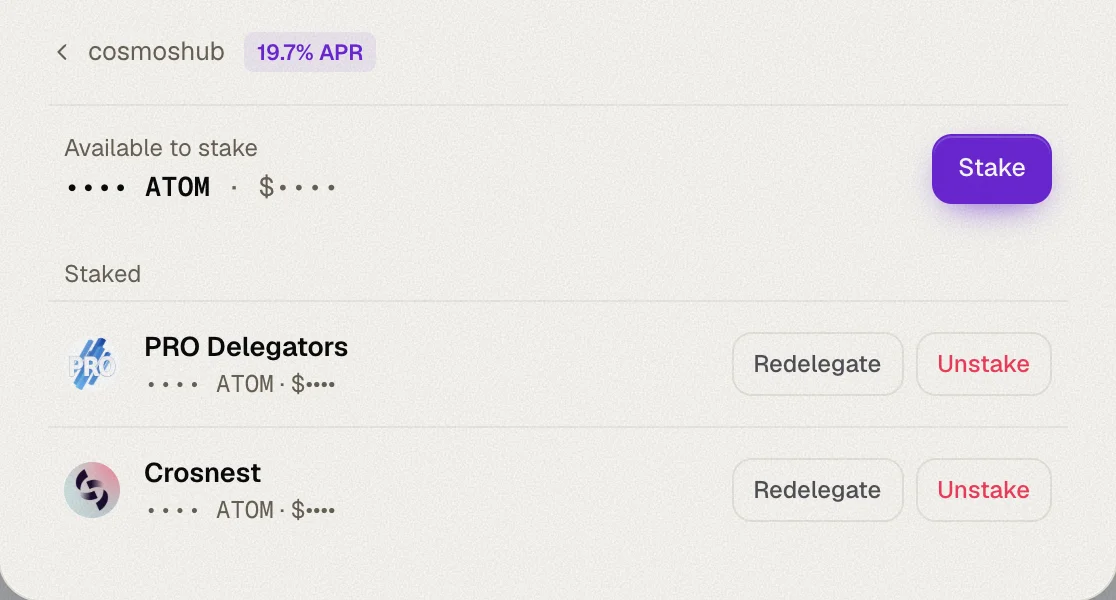
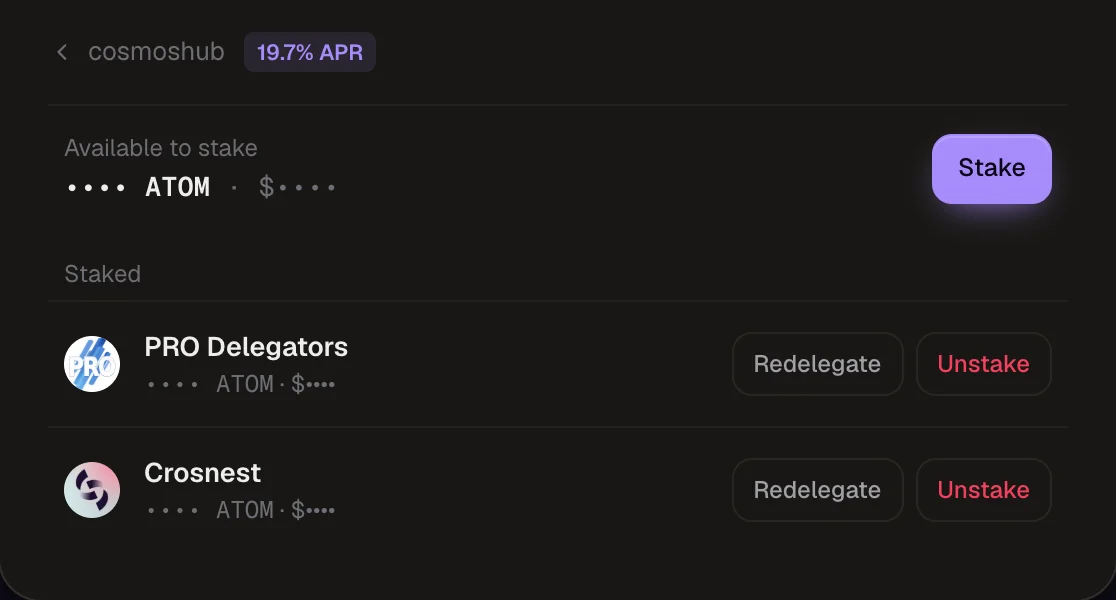
Open Manage stake from the top of the Staking balances card. The dialog starts with your chains — how much is staked and how much is available on each — then drills down into a chain's validators, so you always know where you are.
Stake
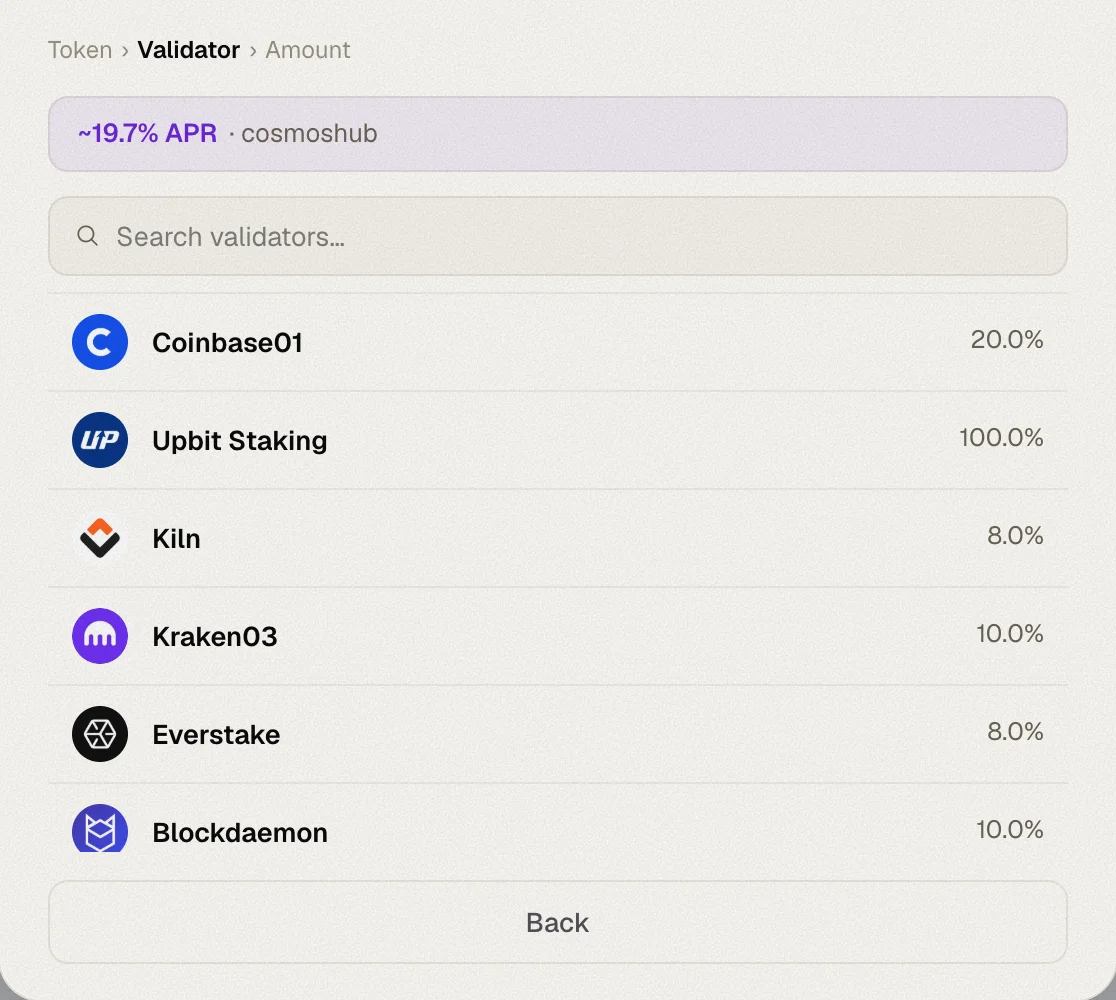
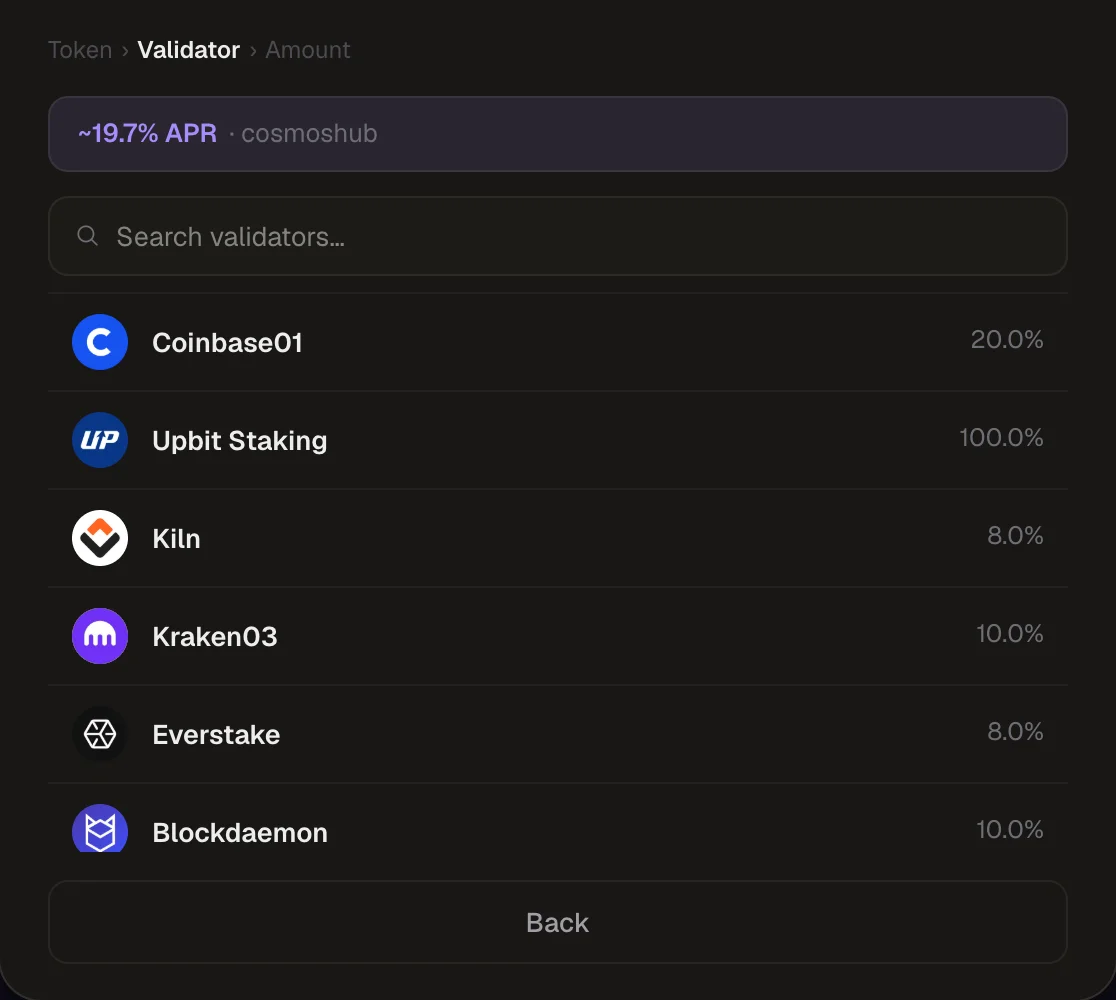
Pick a validator
Browse the active set with each validator's commission, or search by name. Jailed validators are flagged.
Enter an amount
Type an amount or hit MAX.
Sign
Approve the transaction in your wallet. Whaleboard checks the result on-chain, so a rejected transaction — say, for insufficient fees — is reported as a failure rather than a success.
Redelegate
Move stake from one validator to another without going through unbonding. Pick the destination validator, choose the amount and confirm.
Unstake
Choose a delegation and an amount. Before you confirm, Whaleboard reads the chain's unbonding period and shows the date your funds will be available again.
Unbonding takes time
Unstaked tokens stop earning rewards immediately and return to your wallet only when the chain's unbonding period ends — 14 to 30 days depending on the chain. They show in the Unbonding card until then.
Validator logos
Validators now show their logo, both in the picker and in the expanded rows of each chain on the Staking tab, so you can recognise them at a glance.