Whaleboard is here
The first release — one dashboard for your Cosmos and EVM portfolio.
 0xWailing
Keeping track of assets spread across a dozen chains usually means a dozen tabs. The first release of Whaleboard puts them in one place: connect your wallets once and see every balance, every delegation and every pending reward, priced in USD.
Two ecosystems, twelve networks
Connect one Cosmos wallet and one EVM wallet. Whaleboard derives your address on every supported chain, so there's nothing to set up per network.
| Ecosystem | Networks | Wallets |
|---|---|---|
| Cosmos | Cosmos Hub, Osmosis, Neutron, Celestia, Noble, Stride, dYdX, Stargaze | Keplr, Leap, Cosmostation |
| EVM | Ethereum, Arbitrum, Base, Unichain | Browser wallets such as MetaMask and Rabby |
On EVM chains you get your native balance plus well-known ERC-20 tokens. Tokens that can't be identified or priced are filtered out, so spam airdrops don't clutter your view.
Three tabs
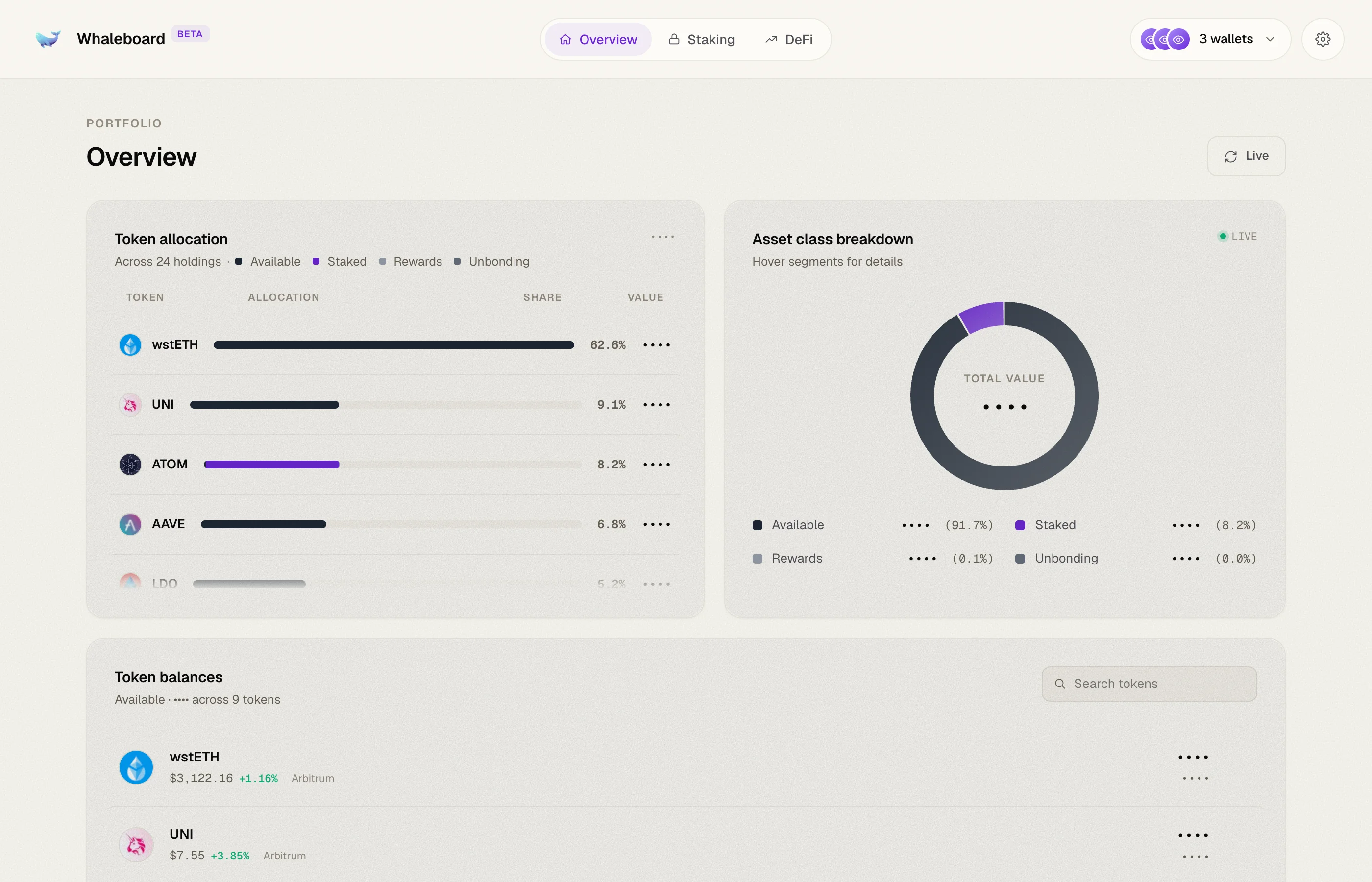
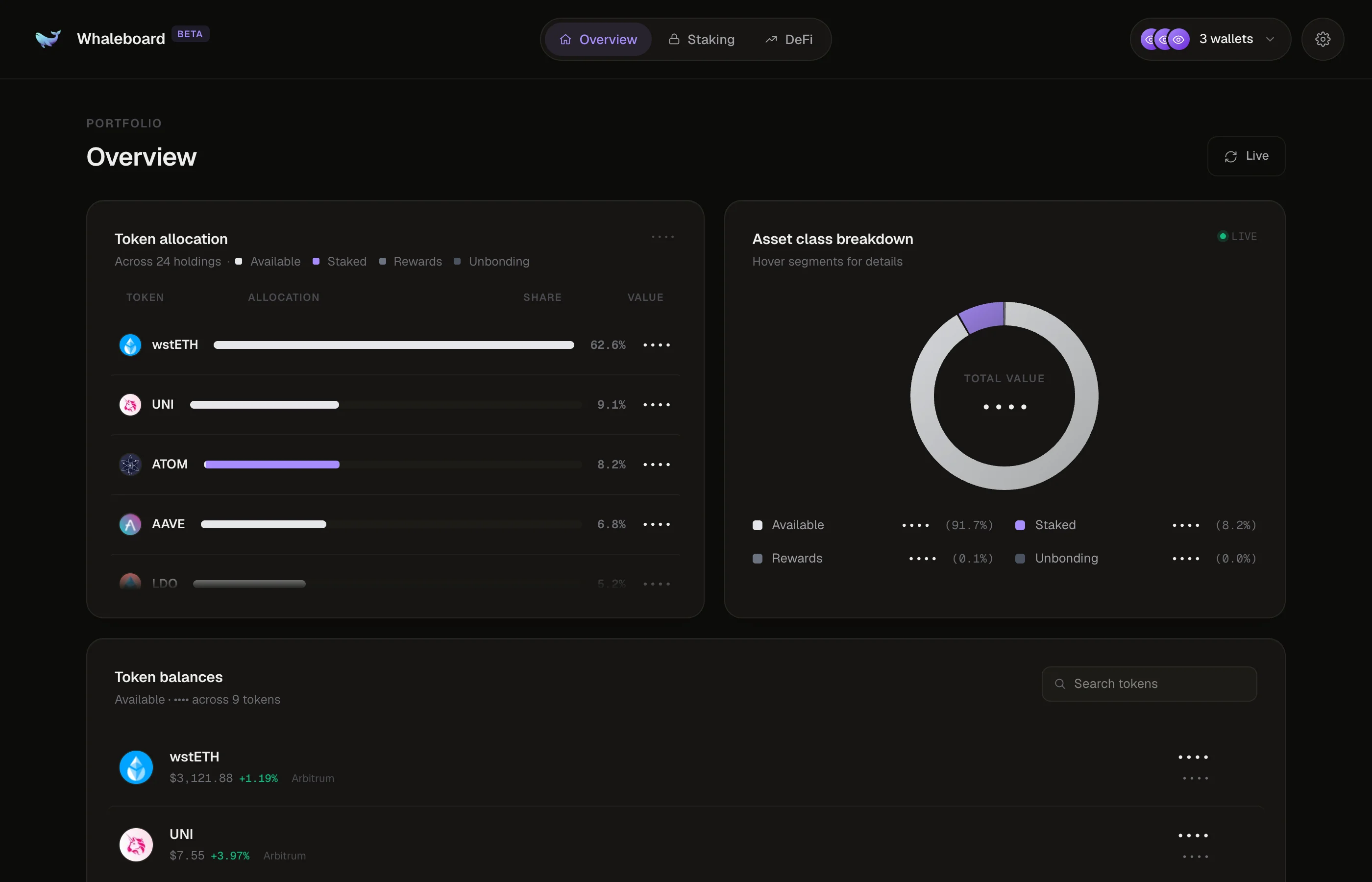
Overview
Your whole portfolio at a glance:
- Token allocation — each token's share of your portfolio, split into available, staked, rewards and unbonding.
- Asset class breakdown — a donut chart of the same split. Hover a segment for details.
- Token balances — every token with its logo, price and value, expandable to the chains it's held on.
Staking
Total staked and Claimable rewards up top, then your stake chain by chain. Tokens you've unstaked show as unbonding until they return to your wallet. Rewards can be claimed straight from the tab — no need to open each chain's own app.
DeFi
A curated launcher for the protocols worth knowing across both ecosystems: Uniswap, Aave, Morpho, PancakeSwap, Pendle, Venus, Compound, Curve, Lido, Polymarket, Ondo, and on Cosmos, Nolus and Hydro.
Make it yours
The Settings panel ships with a light and dark theme, two row densities, a Hide balances switch for screen sharing, a Show dust toggle, live price updates every 30 seconds, and Manage chains to choose which networks count towards your portfolio.